
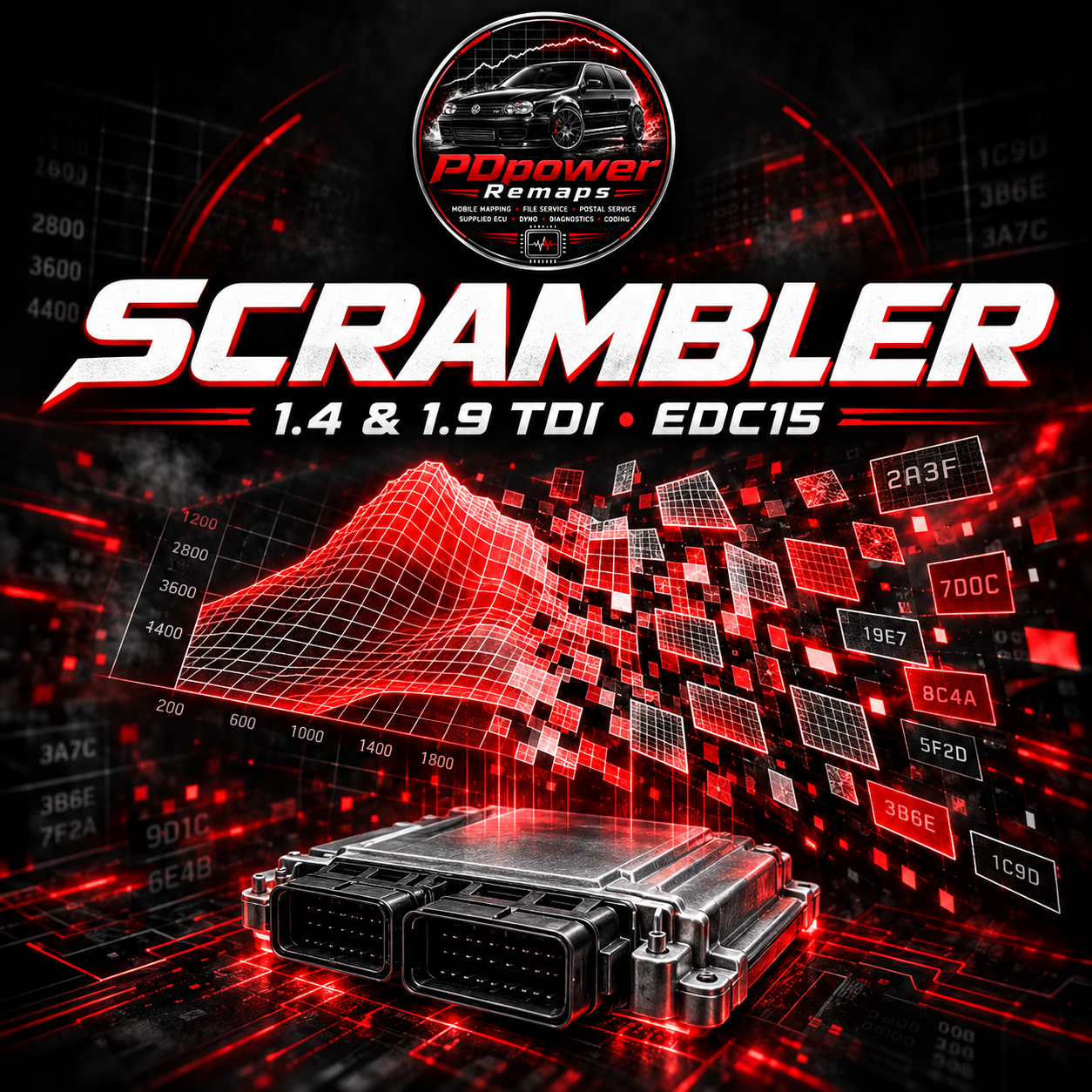
PDpower EDC15 File Scrambler — Early Release
Early release: still in active development. A standalone Windows app for supported 512 KiB 1.4 and 1.9 TDI EDC15 PD files. Inspect recognised maps, create a scrambled BIN and retain a private restoration backup for future editing.
Testing and compatibility
In our testing so far, the Scrambler has worked on 100% of the vehicles tested to date. This describes the vehicles and ECU/software combinations tested so far; it is not a guarantee for every car or an untested file. Development and compatibility testing are ongoing.
Some maps may remain detectable. Scrambling is not complete protection against reverse engineering.
What is included
- Personal website sign-in and account-based access.
- Private-key master restoration and optional reports.
- Current releases available from My Account → PDpower Scrambler.
- One signed-in computer per account. Internet required for sign-in and scrambling.
- Windows .NET Framework 4.x required.
- A one-time app purchase, with no per-file credit system. Restoration of existing private backups remains available without online access.
Important — before using or writing a file
- Always keep verified original flash and EEPROM backups, your private key and the restoration backup. Keep them private and stored safely.
- You must have the knowledge, suitable tools and access to read, write and recover the ECU on the bench if needed.
- Verify the prepared file and check/correct checksums using a compatible tool. If your reading/writing tool asks or offers checksum correction, including tools such as MPPS, follow the correct procedure for that tool and ECU.
- A checksum pass alone does not prove ECU compatibility or guarantee a successful write.
- Do not proceed if you cannot safely recover the ECU. Customer modifications and future ECU compatibility are not guaranteed.
Free ECU recovery work is not included. Please understand the early-development status and the recovery requirements before purchase or use.
Active Trade membership is required to purchase this software.
Reviews
There are no reviews yet.